For families · grades K–8
Know where they stand. Know where to go next.
See learning progress, find skills that need practice, and choose a purposeful next step for each child.
Whether your children learn at school or at home, photograph a finished math or spelling page. Arrowstead checks it, adds it to that child's record, and makes practice for the skills that need more work.
Opens an email to hello@arrowstead.app. We'll write back when your beta invitation is ready.
A checked page
Maya · 5th grade
- Q33/4 + 1/8 → 7/8Correct
- Q72/3 + 1/6 → 3/9IncorrectExpected 5/6
- Q115/6 + 1/4 → 1 1/12Your callArrowstead isn't sure it read this answer
How it works
From a page on the table to a clear next step
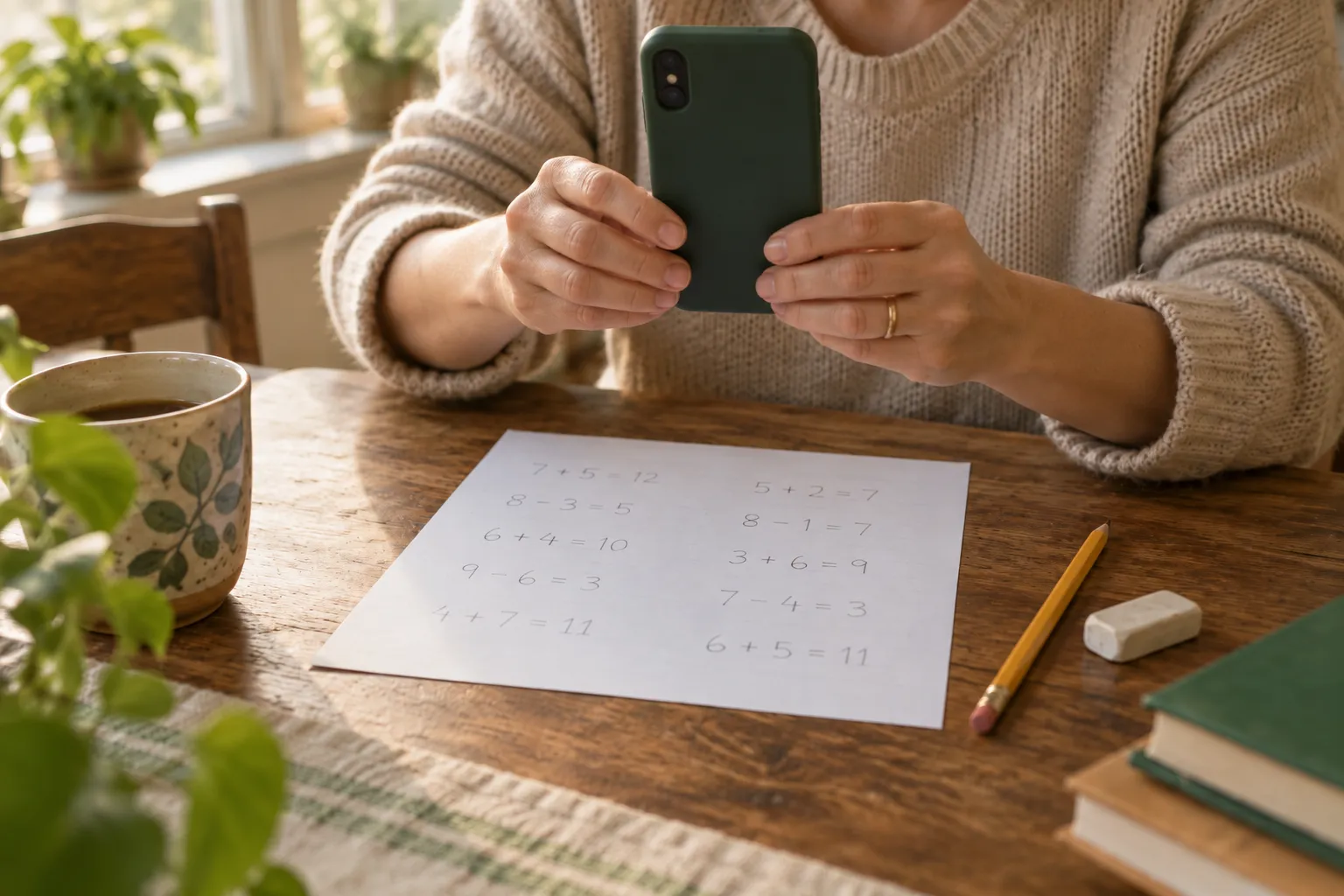
Step 1: Photograph the page
Use your phone to capture a finished math or spelling page: homework, a workbook page, or a worksheet you made. Your child doesn't need an account or a device.
Step 2: See what they understand
Arrowstead reads each answer and marks it. When it isn't sure, it says so and leaves the call to you.
Step 3: Practice what needs it
Print a practice sheet aimed at the skills that need more work. Photograph it when it's done, and it's checked against its own answer key.
For every family
Wherever learning happens
Arrowstead is for any parent or caregiver who wants a clearer view of how each child is learning, alongside school or instead of it.
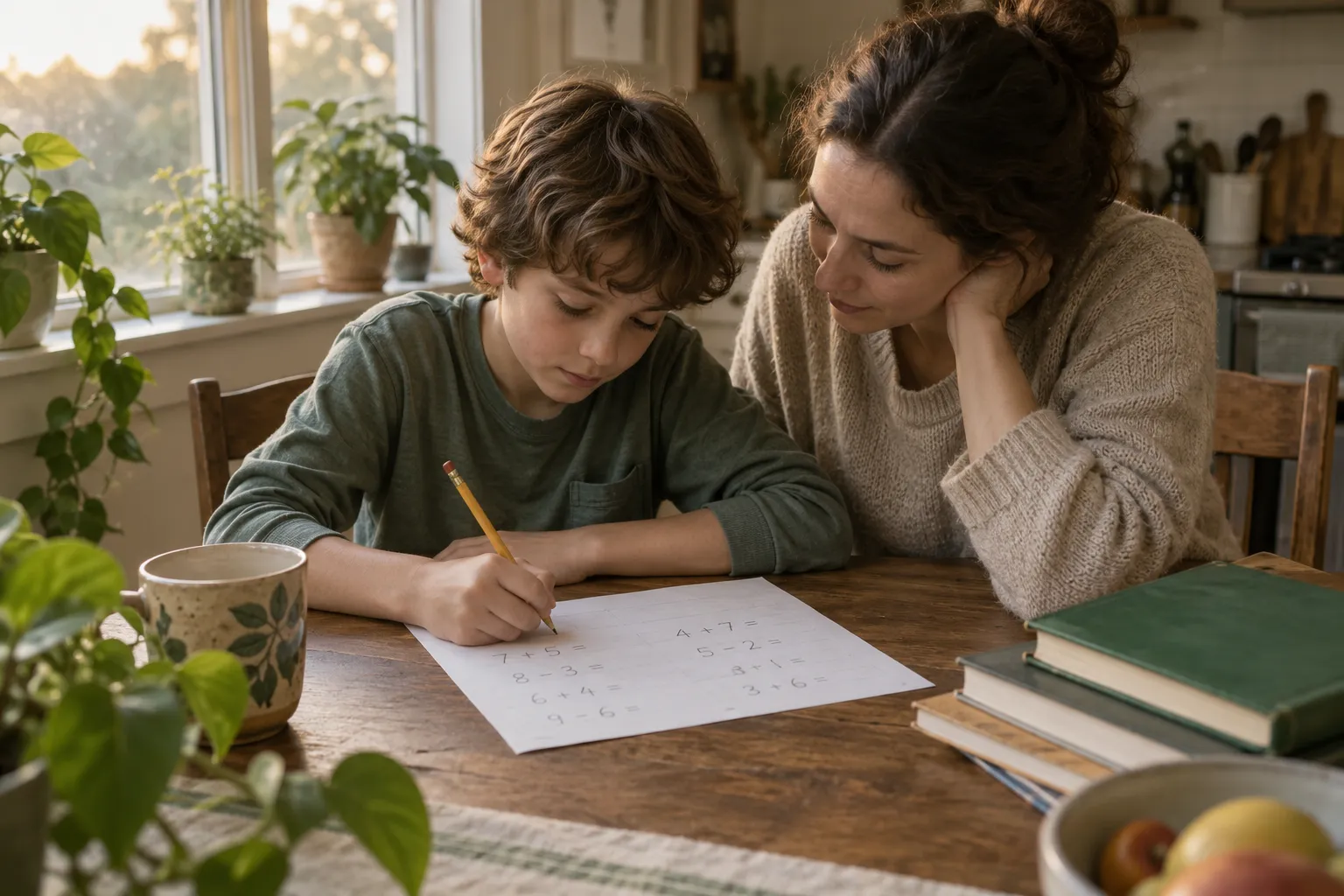
Homework after school
Check tonight's math or spelling in a minute. See what's clicking, what needs another look, and what to ask the teacher about.
Learning at home
Keep a record of each child's work as you teach, with school days, hours and a portfolio ready when you need them.
Extra practice and summers
Keep skills fresh between terms with short practice sheets aimed at what needs more work, not at what they already know.
The learning record
A record that keeps
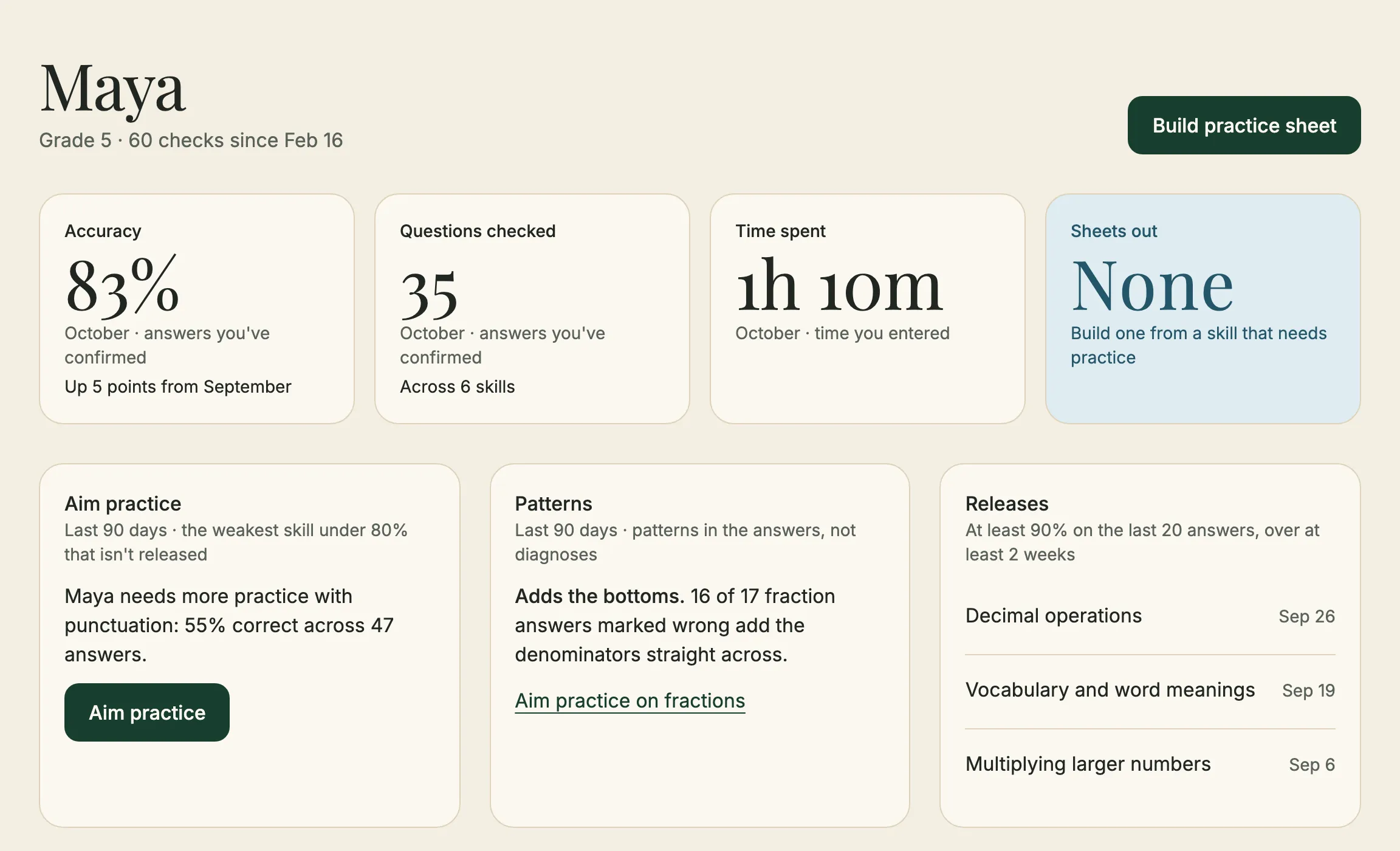
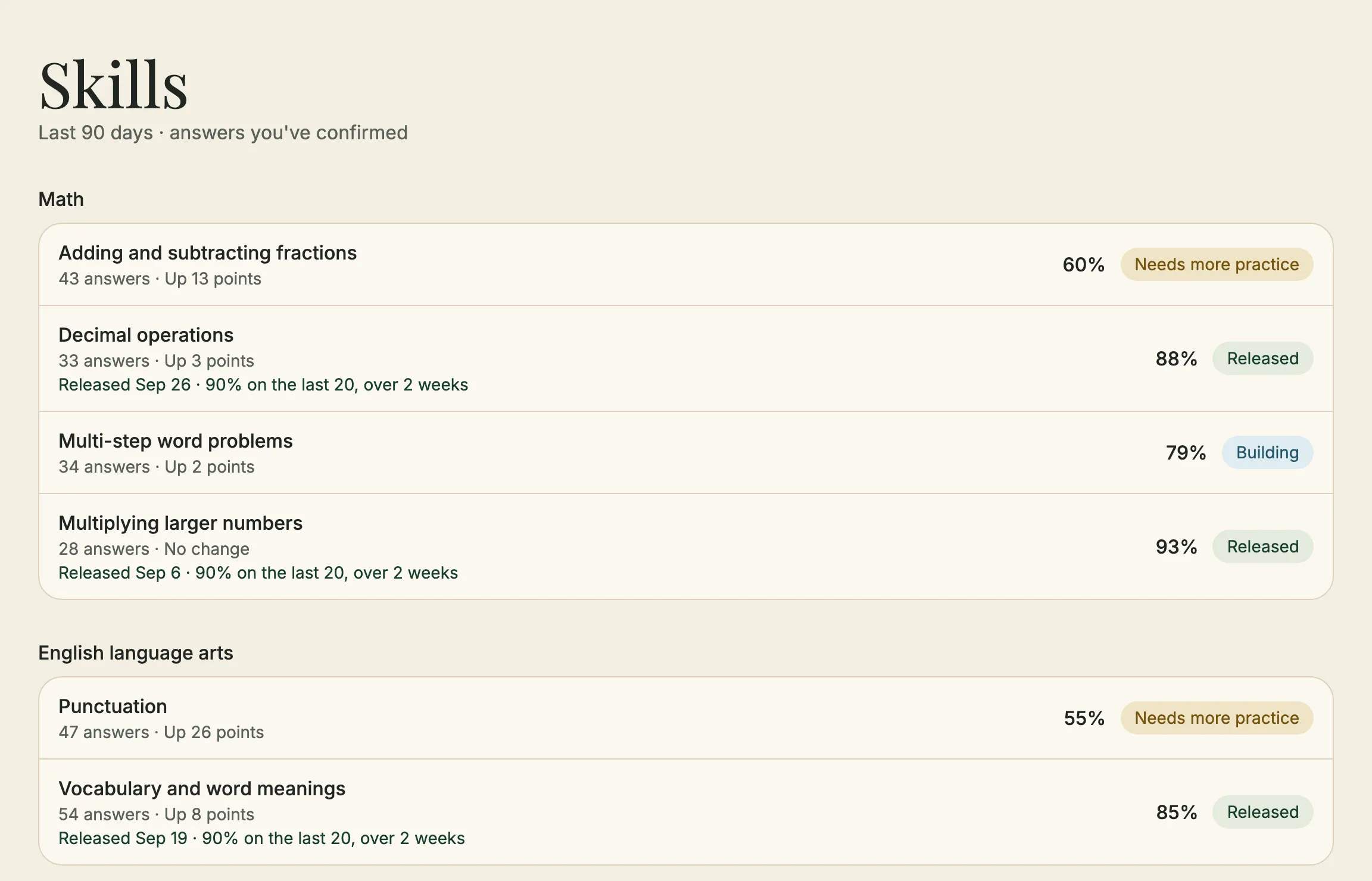
Every check is added to each child's record: accuracy by subject and skill, over weeks and months, always with the period it covers. See what's improving and where more practice may help.
- Each child is compared with their own history, never with other children.
- Answers waiting for your call don't count until you decide.
- When there isn't enough work to show a trend yet, it says so instead of guessing.
Practice sheets
Find the gaps. Build the skills.
When a skill needs more work, choose Aim practice. Arrowstead builds a printable sheet for that child and skill. Each sheet carries a code, so when you photograph it later, Arrowstead knows which sheet it is and checks it against its answer key.
If you homeschool
Days, hours and a portfolio, ready when you need them
Turn on homeschool records and choose your state. Log school days and hours by subject, keep portfolio samples, and download a portfolio PDF and your records whenever you need them. Arrowstead keeps the records; you confirm what your state requires.

- 27
- 81h 00m
- 14
Made for parents
Built for the people who know them best.
You have the final say
Change any mark. Your decision is what goes in the record.
Only parents have accounts
Children have profiles: a first name and a grade. Invite another parent or guardian so you both see the same picture.
Your family's data stays yours
Download everything or delete your account at any time. No ads, and no tracking.
On your phone and the web
Arrowstead Check for iPhone and Android, plus a dashboard on the web for the deeper view.
Pricing
Start with 5 free scans
Each photographed page uses one scan. After your free scans, choose a monthly plan that fits how often you check work, and add more scans whenever you need them.
- Your 5 free scans don't expire.
- If a check fails on our side, the scan is returned.
- One plan covers the whole family, on every device.
Questions
Questions parents ask
When can we start?
We're inviting a small group of families first. Email hello@arrowstead.app and we'll write back when your invitation is ready.
Is Arrowstead only for homeschool families?
No. It works for any family checking math or spelling work at home, from school homework to summer practice. The homeschool records are there if you need them and switched off if you don't.
Which subjects and grades does it check?
Math and spelling pages, kindergarten through 8th grade.
What if Arrowstead marks an answer wrong?
You can change any mark, and your decision is what counts. When Arrowstead isn't sure it read an answer correctly, it asks you instead of guessing.
Do my children need accounts or phones?
No. Only parents have accounts. Children have profiles with a first name and a grade.
We homeschool. Does it keep the records our state requires?
Turn on homeschool records and Arrowstead keeps school days, hours, portfolio samples and learning records, and lets you download them. Requirements differ by state, so you confirm what yours asks for.
Can two parents use it?
Yes. Invite another parent or guardian, and you'll both see the same children and records.
What happens to our data if we leave?
You can download everything first. When you delete your account, access ends at once and your family's records and photos are erased.
You know where you want them to go.Arrowstead helps you see where they are.
Aim True.
Opens an email to hello@arrowstead.app. We'll write back when your beta invitation is ready.